No products in the cart.


No products in the cart.
Rs. 2,799
Shipping calculated at checkout.
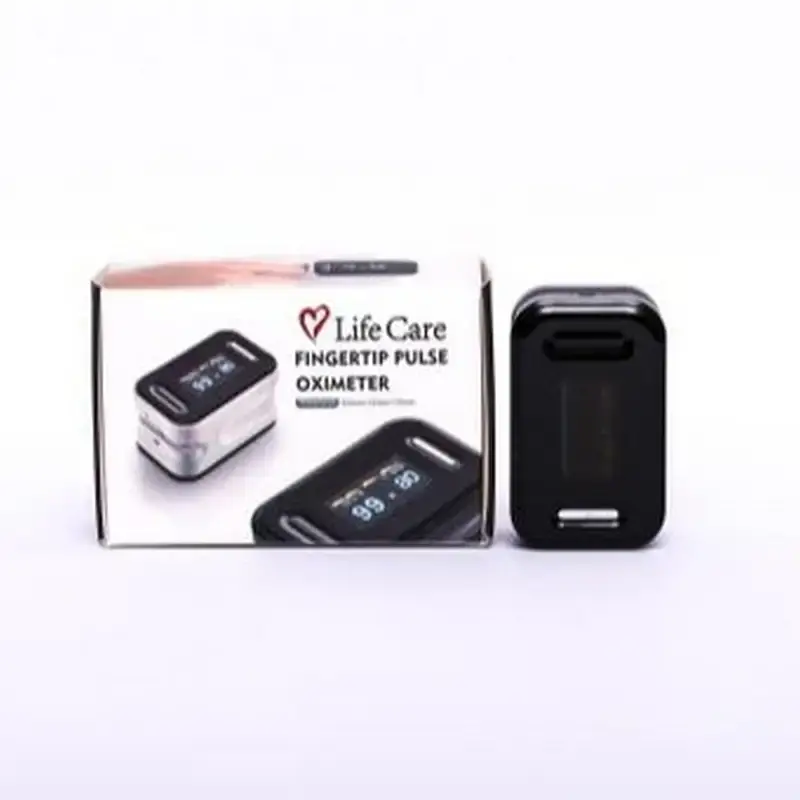
LifeCare Pulse Fingertip Oximeter — non-invasive SpO2 and pulse rate monitoring. SpO2 accurate range 70–100%, pulse rate accuracy ±2 bpm, four-way adjustable OLED display, auto power-off after 8 seconds, low battery indicator. Compact and lightweight.
Sold Out
| Color | Black |
|---|
The LifeCare Pulse Fingertip Oximeter provides fast, non-invasive measurement of blood oxygen saturation (SpO2) and pulse rate at the fingertip. Designed for use at home and in clinical settings, it clips onto the fingertip and displays readings within seconds — making it an accessible tool for monitoring respiratory health and circulatory function.
The OLED display supports four-way orientation, so readings can be viewed comfortably from different angles. Automatic power-off activates after 8 seconds of inactivity, conserving battery life. A low battery indicator alerts the user when replacement is needed. The device is lightweight and compact — easy to carry in a pocket, bag, or first aid kit.
| Brand | LifeCare |
| Type | Fingertip Pulse Oximeter |
| Measurement | SpO2 (blood oxygen saturation) and pulse rate |
| SpO2 Detectable Range | 35% to 100% |
| SpO2 Accurate Range | 70% to 100% |
| Pulse Rate Accuracy | ±2 bpm |
| Display | OLED, four-way adjustable orientation |
| Auto Power-Off | After 8 seconds of inactivity |
| Battery Indicator | Low voltage indicator |
| Design | Compact, lightweight, fingertip clip-on |
SpO2 stands for peripheral oxygen saturation — the percentage of haemoglobin in the blood that is carrying oxygen. A healthy SpO2 is generally 95–100%. Readings consistently below 95% may indicate a need for medical evaluation.
The detectable range (35–100%) indicates the values the sensor can register. The accurate range (70–100%) is the range within which the device meets clinical accuracy specifications. Readings below 70% may be detected but are not reliably accurate — very low readings should always be evaluated by a healthcare professional.
Nail polish — especially dark or opaque colours — can interfere with the light-based sensor and produce inaccurate SpO2 readings. Where possible, remove nail polish from the fingertip being tested, or use a different finger without polish.
Battery life varies with frequency of use. The auto power-off feature (8 seconds of inactivity) is designed to conserve battery. The low battery indicator will alert you when replacement is needed.
Only logged in customers who have purchased this product may leave a review.
 LifeCare Pulse Fingertip Oxime...
 Rs. 2,799










Reviews
There are no reviews yet.